
Building a mobile app used to require a deep understanding of coding languages like Java, Swift, or Kotlin. If you wanted to create an app, you’d need to be familiar with complex coding practices and development frameworks.
But times have changed, and the no-code movement has made it possible for anyone to build a mobile app without having to write a single line of code.
With no-code platforms and tools becoming more robust, building an app is now within reach of anyone with a good idea, even if they have no coding experience.
Platforms like Bubble, Glide, and Adalo offer simple drag-and-drop interfaces that allow users to design apps without writing a single line of code.
Udemy, an online learning platform, offers a variety of courses that teach you how to build apps using these no-code tools.
This guide will provide a comprehensive overview of how you can create a mobile app without programming knowledge.
We’ll take a deep dive into popular Udemy courses, explore what learners are saying, and give you some tips on how to succeed in building your own app. By the end of this article, you’ll have all the knowledge you need to confidently embark on your no-code app journey.
Udemy
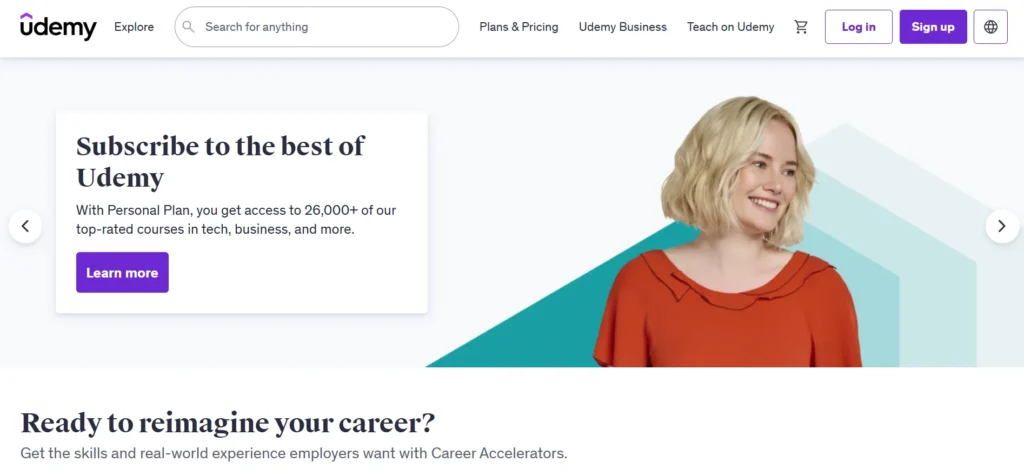
Udemy is an online learning platform offering a wide range of courses in various subjects, from business and technology to personal development and creative arts.
It provides access to over 155,000 courses, taught by instructors from around the world, making it a go-to resource for individuals looking to learn new skills, advance their careers, or explore new hobbies.
Whether you’re interested in mastering coding, learning a new language, or developing leadership skills, Udemy offers a course for almost every interest and professional goal.
Courses on Udemy are typically video-based and include a combination of lectures, quizzes, assignments, and downloadable resources.
Learners can progress at their own pace, making it a flexible option for people with busy schedules. The platform also frequently offers discounts and promotions, allowing users to access high-quality courses at affordable prices.
Udemy courses cater to a wide range of skill levels, from beginners to advanced learners. With its vast catalog, diverse teaching styles, and affordable pricing, Udemy has become a popular choice for self-paced learning.
Plus, students who complete courses earn certificates, which can enhance their resumes and showcase their newfound expertise.
What is a No-Code App?
Before diving into the courses, it’s important to understand what “no-code” actually means.
In the past, creating a mobile app was an entirely technical endeavor that required knowledge of various programming languages.
But with the rise of no-code tools, anyone — regardless of their technical background — can now create an app by simply dragging and dropping elements on a screen. These no-code platforms offer pre-built components (buttons, text fields, images, etc.) that can be customized to create your app.
Additionally, these platforms offer workflow automation, integrations with third-party tools, and the ability to deploy your app with minimal technical skills.
No-code tools allow you to:
- Design your app using pre-made templates or starting from scratch.
- Set up workflows and logic to define how the app should behave.
- Integrate with third-party services like Google Sheets, databases, social media platforms, or payment systems.
- Test and deploy your app to the App Store or Google Play with ease.
Now, let’s explore how you can build a mobile app using no-code tools and what you can learn through Udemy courses.
What You’ll Learn in No-Code Mobile App Development Courses
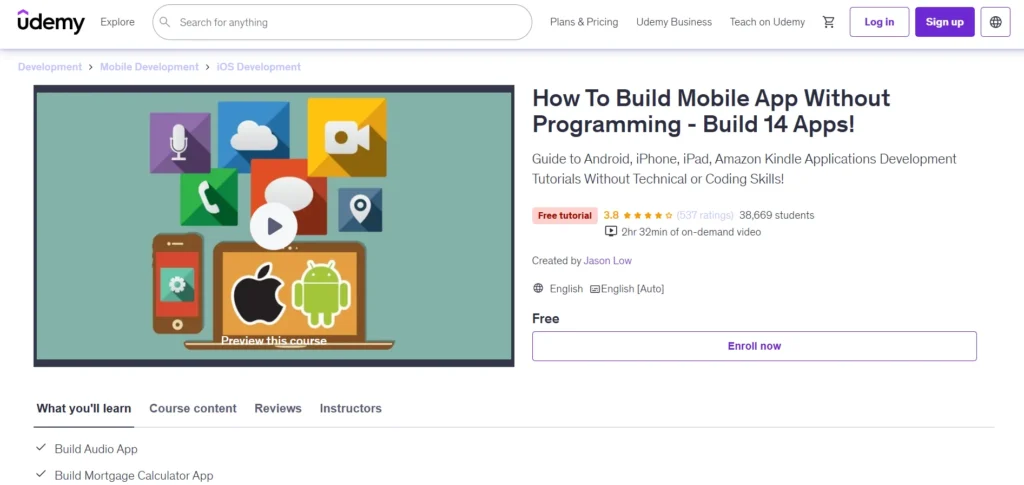
Udemy offers a variety of courses that teach you how to build mobile apps without writing code. These courses typically focus on different no-code platforms, so it’s important to choose the one that aligns with your needs.
Some courses teach you how to use specific tools like Glide, Bubble, or Adalo, while others offer a more general overview of the no-code app development process.
Key Skills You’ll Learn:
- Understanding no-code platforms: You’ll learn how no-code tools work and which platform is best suited to your needs.
- Design principles: Even though you’re not writing code, you’ll still need to understand how to design an app that is user-friendly, visually appealing, and functional.
- Database management: Some no-code platforms let you integrate databases for storing and managing user data, which is a critical skill for building apps with dynamic content.
- Creating user flows and workflows: Understanding how to create the logic behind your app is essential. This includes setting up actions, triggers, and automations that determine how the app will behave.
- Testing and launching your app: Once your app is built, you’ll learn how to test it, get feedback, and deploy it to app stores like Google Play and Apple’s App Store.
Udemy courses often include project-based learning, so you can expect to build real applications as you go through the lessons.
This hands-on approach helps solidify your learning and gives you practical experience that you can apply to your own ideas.
Top Udemy Courses for Building Apps Without Programming
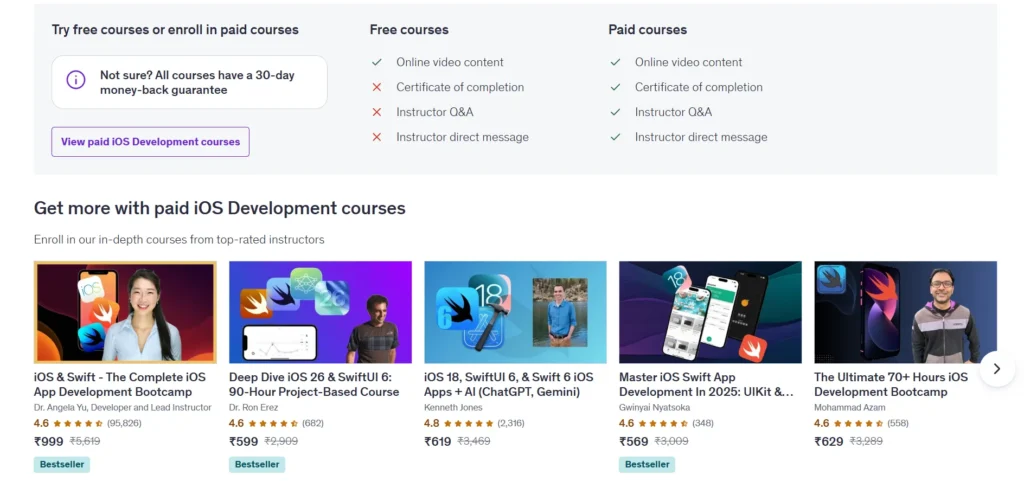
Now let’s take a look at some popular Udemy courses that focus on building apps without coding. These courses range from beginner-friendly to more advanced, so you can pick one that matches your experience level.
1. How to Build Mobile Apps Without Programming Skills
This course is a great starting point for beginners who have little to no experience in app development.
The course takes you through the basics of using no-code platforms to create a simple app. It covers the entire process, from app design to deployment.
What’s Included:
- Introduction to no-code platforms like Glide and Adalo
- Building your first mobile app with drag-and-drop elements
- Basic app design and layout
- Understanding how to create user flows
- Integrating external data and content
- Publishing your app to the App Store or Google Play
Learners appreciate that the course starts with the basics and moves at a manageable pace, allowing you to get hands-on experience while learning.
This course is ideal for those who want to quickly build a functional app without diving into technical jargon.
2. Build Mobile Apps Without Coding – The Complete Guide
This course goes a bit deeper, offering a comprehensive look at how to build more advanced mobile apps using Glide and Google Sheets.
It’s ideal for learners who already have a basic understanding of no-code tools and want to dive into more complex app-building techniques.
What’s Included:
- Step-by-step instructions on building apps using Glide
- How to design and customize user interfaces
- Integrating Google Sheets as a backend database
- Creating and managing user authentication
- Monetizing your app
- Testing and deploying apps to the app stores
This course is highly rated by users because it gives you a lot of value for the price, and many students have successfully created apps using the techniques taught in the course. It’s ideal if you want to build something more functional than just a basic app.
3. Build a Mobile App Without Coding in 2 Hours
If you’re in a rush and need to build an app quickly, this course is for you. As the name suggests, this course promises to teach you how to create a mobile app in just two hours using Glide and Google Sheets.
What’s Included:
- Quick setup of a mobile app using Glide
- Connecting Glide to Google Sheets for backend data management
- Basic design customization
- Simple app logic for creating functional apps
This course is perfect for someone who wants to create a simple app quickly. However, it may not be the best choice if you’re looking to build a more complex app with advanced features.
4. No-Code App Development with FlutterFlow
FlutterFlow is another powerful no-code tool that enables you to build mobile apps with a drag-and-drop interface. This course takes you through the process of creating apps using FlutterFlow and introduces you to app development workflows, design principles, and more.
What’s Included:
- How to use FlutterFlow for app design
- Customizing app layouts and elements
- Connecting to backend services like Firebase
- Creating app logic and workflows
- Testing and deploying apps
This course is ideal for those who want a more polished, professional-looking app. FlutterFlow allows you to create mobile apps that feel truly native, and it’s a great tool for creating cross-platform apps for both iOS and Android.
What Learners Are Saying About No-Code Courses on Udemy

Most students who take no-code app-building courses on Udemy have positive feedback, particularly for courses that offer step-by-step instructions and hands-on projects. Let’s take a look at some common themes in student reviews:
Positive Feedback:
- Easy to Understand: Many students appreciate how these courses break down the app development process into simple, digestible chunks. Since there’s no technical jargon involved, the learning curve isn’t steep.
- Practical Application: Courses that offer project-based learning are often praised because students get to build real apps as they learn. This gives them a tangible product by the end of the course.
- Fast Learning: Some learners love that they can get an app up and running in just a few hours. No-code tools make it possible to create something functional without spending weeks learning how to code.
Constructive Criticism:
- Not All Courses Are Comprehensive: Some courses may only cover basic app-building techniques and fail to go into detail about more advanced topics like API integrations or custom logic. If you’re aiming to build a highly customized app, you may need to learn additional skills or use more advanced platforms.
- Platform-Specific Learning: A few students noted that focusing on a single platform (e.g., Glide or Bubble) means you might need to relearn some concepts if you later want to switch to another platform.
Advantages and Disadvantages of No-Code App Building
Advantages:
- No Technical Skills Required: You don’t need to learn programming languages or worry about complicated coding concepts.
- Faster Development Time: No-code tools allow you to quickly prototype and launch apps, which is ideal for entrepreneurs and small businesses.
- Cost-Effective: Building an app traditionally can cost thousands of dollars. With no-code tools, you can create a fully functional app on a much smaller budget.
- Flexibility: You can build a wide variety of apps, from simple to complex, without needing to hire developers.
Disadvantages:
- Limited Customization: No-code platforms may not allow for highly specific customizations, and there might be limitations in terms of design flexibility or advanced features.
- Scalability Issues: As your app grows, you might run into scalability challenges that no-code tools can’t easily handle.
- Dependence on the Platform: You are dependent on the platform’s features and updates. If the platform changes or shuts down, you may have to rebuild your app elsewhere.
Conclusion: Can You Really Build a Mobile App Without Programming?
Yes, it’s absolutely possible to build a functional, professional-looking mobile app without writing any code.
No-code tools have made the app development process easier than ever before, and Udemy offers a wealth of courses to help you get started. Whether you want to build a simple app to test your ideas or create a fully-fledged product, no-code platforms can help you turn your vision into reality.
While there are some limitations to no-code development, the advantages far outweigh them, especially for beginners and entrepreneurs who need a quick, cost-effective solution.
By choosing the right course, sticking with it, and continuously learning, you’ll be able to create your own app without the need for coding knowledge.
With tools like Glide, Bubble, and FlutterFlow, building an app has never been more accessible. So if you have an idea for an app, why not start building it today? Udemy’s no-code app development courses are a great place to begin.
FAQs
What is Udemy?
Udemy is an online learning platform that offers thousands of courses on various topics, from coding to personal development, taught by instructors worldwide.
How much do Udemy courses cost?
Courses on Udemy vary in price, but the platform frequently offers discounts, with many courses available for as low as $10-$20.
Can I get a certificate after completing a Udemy course?
Yes, upon completing a course, you receive a certificate of completion that you can add to your resume or LinkedIn profile.
Do I need prior knowledge to take a Udemy course?
Udemy courses cater to all levels, from beginner to advanced, so you can choose courses based on your current skill level.
Can I learn at my own pace on Udemy?
Yes, Udemy allows you to learn at your own pace, with lifetime access to course materials once purchased.