
Information technology (IT) is one of the most in-demand fields globally, offering countless career opportunities across various industries. Whether you’re hoping to start a career in IT, switch industries, or gain new technical skills,
Coursera offers a wide variety of courses, certificates, and learning paths to guide you from beginner to expert. But how exactly do you navigate learning IT on Coursera?
This article will explore the step-by-step process of learning IT on Coursera, what you can expect, and how to make the most out of your experience.
From understanding the basics of computer systems to diving into complex cloud technologies, we’ll cover the essential courses, certifications, tips for success, and insights from actual learners.
Coursera
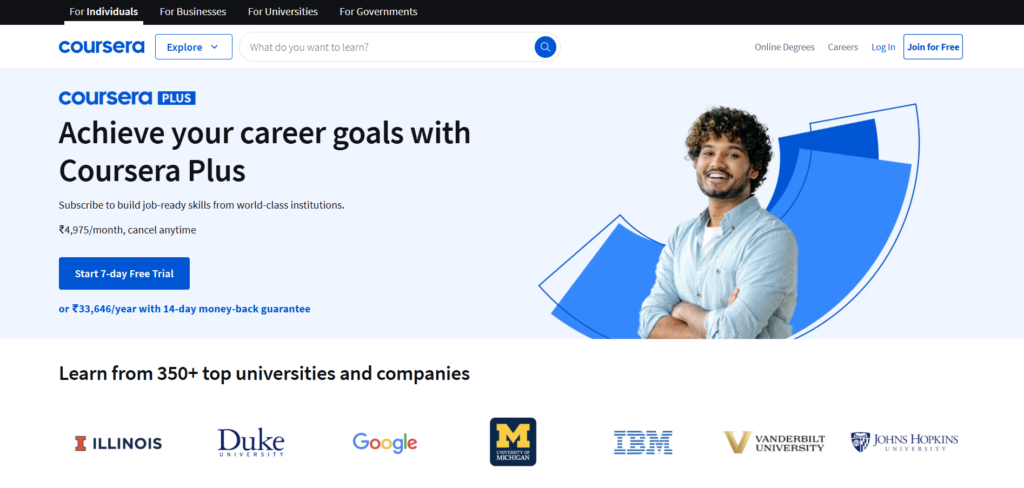
Coursera is an online learning platform that offers a wide range of courses, specializations, and degrees in various fields, including Information Technology.
Partnering with top universities and companies like Google, IBM, and Stanford, Coursera provides high-quality, flexible learning opportunities that cater to beginners, intermediate learners, and professionals seeking to upskill.
Courses on Coursera cover topics such as computer science, data science, cybersecurity, cloud computing, and programming. Many courses are free to audit, while paid options offer certificates and more structured learning experiences.
For those looking to deepen their knowledge, Coursera also offers professional certificates and degree programs, some of which are designed in collaboration with major companies to meet industry standards.
One of the platform’s strengths is its interactive content, which includes video lectures, quizzes, and hands-on projects.
This allows learners to apply what they learn in real-world scenarios. Additionally, Coursera offers flexibility, enabling users to learn at their own pace.
Coursera’s courses and certifications are well-recognized by employers, making it a valuable resource for career advancement in IT and many other fields.
With its structured paths and practical approach, Coursera is an excellent option for anyone looking to gain or enhance their skills.
Why Coursera Is a Great Choice for Learning IT
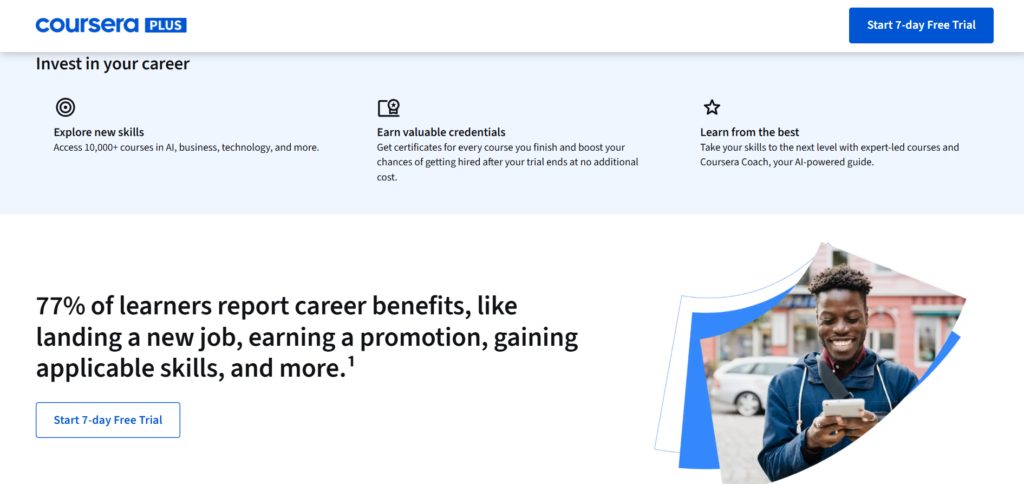
Coursera stands out as one of the leading platforms for online learning. With courses created in partnership with top universities and major companies such as Google, IBM, and Microsoft, it provides high-quality content at your fingertips. Its flexibility, range of topics, and the ability to earn credible certifications make it a fantastic choice for anyone wanting to break into or advance in the IT industry.
Key Benefits of Learning IT on Coursera
- Wide Range of Courses and Specializations: Coursera covers every aspect of IT, from programming and networking to cloud computing, cybersecurity, and data analysis. Whether you’re a complete beginner or looking to specialize in a certain area, Coursera has something for you.
- Access to High-Quality Content: Coursera partners with renowned institutions like Stanford, Princeton, and Google, ensuring that you receive top-tier, up-to-date content.
- Structured Learning Paths: Coursera offers well-structured learning programs that guide you through foundational concepts, intermediate topics, and more advanced skills.
- Credible Certifications: Completing a course or certification program on Coursera results in a certificate that is recognized by employers, providing a strong addition to your resume or LinkedIn profile.
- Hands-On Learning: Many of Coursera’s IT courses offer interactive labs, coding exercises, and real-world projects, giving you practical experience.
Understanding Coursera’s Structure for Learning IT
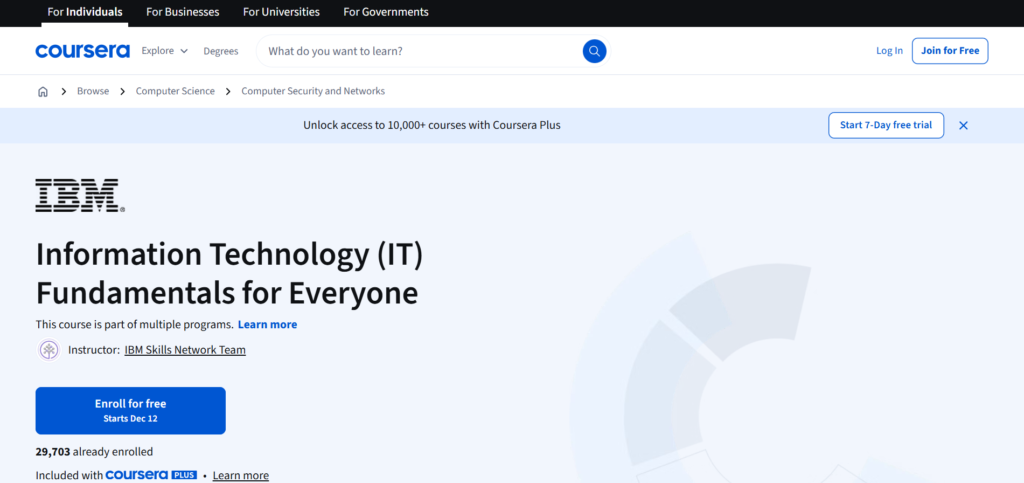
When you decide to learn IT on Coursera, it’s important to understand how the platform is organized. Let’s take a look at the various types of courses and learning paths you can follow.
1. Individual Courses
These are short, focused classes designed to teach you specific skills or concepts. You can start with basic topics like understanding computer systems, and gradually move to more complex subjects like programming languages, machine learning, or network security.
Some of the most popular introductory IT courses include:
- Introduction to IT
- Computer Networks
- Basic Programming with Python
- Data Structures and Algorithms
Each of these courses typically spans 4-6 weeks and includes video lectures, quizzes, readings, and practical assignments.
2. Specializations
A specialization is a series of related courses that deepen your knowledge of a particular field within IT. A specialization is usually more comprehensive than an individual course, and it often includes multiple courses that build on one another.
Specializations typically require 3 to 6 months to complete, depending on how much time you can dedicate each week. Examples include:
- Google IT Support Professional Certificate: A beginner-friendly series of courses that teach essential IT support skills like networking, security, and troubleshooting.
- IBM IT and Cloud Computing Fundamentals: This specialization covers the basics of cloud computing, networking, and security, ideal for those interested in cloud-based roles.
3. Professional Certificates
These are career-focused programs designed to prepare you for a specific job role. They typically consist of multiple courses that cover everything you need to know to excel in that job.
Upon completing the program, you’re awarded a certificate that is recognized by major employers. Examples include:
- Google IT Support Professional Certificate: As mentioned above, this is an ideal program for those starting in IT support, teaching everything from computer hardware to customer service.
- IBM Data Science Professional Certificate: This certificate is perfect for anyone looking to break into the field of data science, with courses on programming, statistics, and machine learning.
4. Degree Programs
For those looking to take their learning to a higher level, Coursera also offers full degree programs in partnership with universities. These are more formal, structured, and typically require a longer commitment. Examples include:
- Master of Science in Computer Science from the University of Illinois
- Bachelor of Science in Information Technology from the University of London
These programs give you a traditional degree but with the flexibility to learn from home.
Step-by-Step Guide: How to Learn IT on Coursera
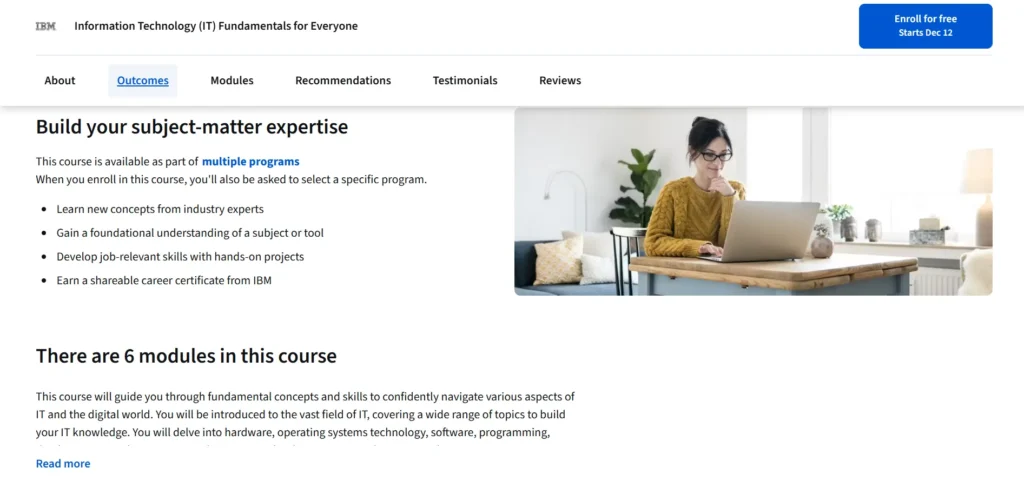
Now that you know the different types of courses and learning paths, here’s a step-by-step approach to help you start your IT learning journey on Coursera.
Step 1: Define Your Learning Goals
Before you dive into any courses, take a moment to define your goals. Are you aiming to start an IT career, switch fields, or learn a specific skill?
Understanding your long-term objectives will help you pick the right courses and specialization programs. For example:
- For a Career in IT Support: The Google IT Support Professional Certificate is a great place to begin.
- For a Career in Software Development: Look into courses like Introduction to Programming or Python for Everybody.
- For Cloud Computing: Try IBM’s Cloud Computing Fundamentals.
Knowing your goals will also help you stay motivated and focused.
Step 2: Start with the Basics
If you’re new to IT, it’s best to start with foundational courses that introduce the core concepts of computer systems, networks, and operating systems.
These courses will give you the essential knowledge needed to move on to more advanced topics.
A good starting point would be:
- Information Technology Foundations: This course covers the essential areas of IT, such as networking basics, data management, and the role of IT in business.
Once you’ve gained some foundational knowledge, you’ll be in a much better position to explore specialized fields within IT.
Step 3: Explore Specializations and Certificates
As you build your knowledge, it’s time to take your learning to the next level by enrolling in a specialization or professional certificate.
These programs will guide you deeper into specific IT roles, offering a structured learning path.
For example, if you’re interested in IT support, the Google IT Support Professional Certificate is a solid choice.
It provides hands-on projects and teaches you how to troubleshoot, manage IT systems, and understand key technologies used in the field.
Another good program for cloud computing and automation is the IBM IT and Cloud Fundamentals, which prepares you for roles like cloud engineer or system administrator.
Step 4: Engage in Hands-On Practice
While watching videos and reading materials are important, the best way to learn IT is by practicing. Many of Coursera’s IT courses feature interactive labs and projects that simulate real-world IT tasks.
For example, you may:
- Set up a network.
- Perform system administration tasks.
- Write simple scripts to automate tasks.
It’s essential to apply what you’re learning in a practical context so you can develop the skills employers look for.
Step 5: Expand Your Skills with Advanced Topics
Once you’ve mastered the basics, you can dive into more advanced areas of IT. Some of the advanced topics include:
- Cybersecurity: Protecting data, networks, and systems from cyber threats.
- Cloud Computing: Learning how to deploy, manage, and secure cloud environments.
- Machine Learning: Understanding how computers can be trained to learn and make decisions.
Exploring these areas will help you gain expertise and increase your career prospects.
Real Learners’ Experiences with Coursera’s IT Courses
Coursera’s IT courses have generally received positive feedback, but it’s important to understand both the strengths and weaknesses based on user reviews.
Positive Feedback
- Clear and Structured Learning: Many learners appreciate how Coursera organizes content into structured modules that build upon each other. This makes it easier to stay on track and progress.
- Hands-on Projects: Learners love the opportunity to work on real projects, which allows them to apply their knowledge in practical ways.
- Credible Certifications: Many students found the certificates they earned valuable when applying for jobs. Having a recognized certificate from a major company like Google or IBM can make a big difference.
- Flexible Learning: Coursera allows learners to study at their own pace, which is ideal for those balancing work or personal commitments.
Negative Feedback
- Varying Quality of Content: Some learners have noted that the quality of courses varies. While many of the programs are excellent, others can feel disorganized or have inconsistent production quality.
- Slow Peer Grading: Some students have found that peer-reviewed assignments can take longer to grade, which can delay their progress.
- Completion Rates: As with many online learning platforms, Coursera has relatively low completion rates. Staying motivated and maintaining a study schedule is key to finishing courses.
Tips for Success on Coursera
To make the most out of your Coursera experience, follow these practical tips:
- Set a Schedule: Treat your learning like a real class by setting aside dedicated time each week. Consistency is key to making steady progress.
- Join Discussion Forums: Coursera has active student forums where you can ask questions, discuss concepts, and get help when you’re stuck.
- Apply What You Learn: Practice is essential in IT. Try applying your new skills to personal projects, or even volunteer to help others with IT tasks.
- Use Coursera’s Resources: Don’t hesitate to take advantage of Coursera’s additional resources like quizzes, forums, and assignments. They’re all designed to help reinforce what you’ve learned.
Conclusion: Should You Learn IT on Coursera?
Learning IT on Coursera is an excellent option for anyone looking to start or advance their career in the field.
With a wide range of courses and specializations, practical, hands-on learning, and the flexibility to study at your own pace, Coursera offers a robust platform for learners of all backgrounds.
Remember to start with the basics, choose a specialization that aligns with your goals, and take advantage of hands-on projects and the community for support.
With commitment and focus, you can use Coursera to acquire valuable skills that will help you succeed in the dynamic field of IT.
FAQs
What is Coursera?
Coursera is an online learning platform offering courses, certificates, and degrees in a wide range of subjects, including IT, from top universities and companies.
How do I start learning IT on Coursera?
You can start by choosing an introductory course or professional certificate in IT, such as the Google IT Support Professional Certificate, and follow a structured learning path.
Are Coursera courses free?
Many courses can be audited for free, but you’ll need to pay for graded assignments and certificates. Some specializations also offer free trials.
How long does it take to complete an IT course on Coursera?
Course durations vary, with individual courses typically taking 4-6 weeks, while professional certificates and specializations may take 3-6 months, depending on your pace.
Do Coursera certificates help with job prospects?
Yes, Coursera certificates are recognized by employers, especially those offered by major companies like Google and IBM, and can enhance your resume for IT-related roles.